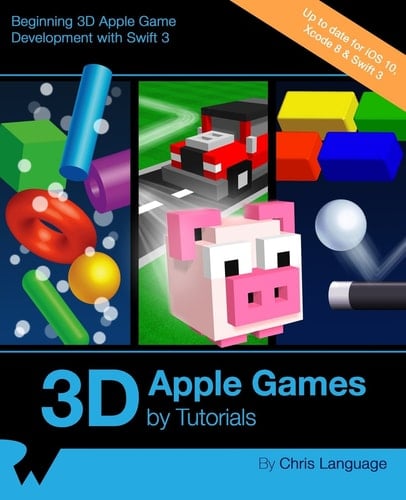
3D Apple Games by Tutorials Beginning 3D Apple Game Development with Swift 3
0
0
Author Description
Learn How to Make 3D iOS Games! Learn how to make 3D games in Swift, using Apple's built-in 3D game framework: Scene Kit. Through a series of mini-games and challenges, you will go from beginner to advanced and learn everything you need to make your own 3D game! By the time you're finished reading this book, you will have made 4 complete mini-games, including games similar to Fruit Ninja, Breakout, Marble Madness, and Crossy Road! Topics Covered in 3D iOS Games by Tutorials: Scene Kit: Get to know the basics with your first Scene Kit game project. Nodes: Use nodes with geometry and cameras to construct a 3D scene. Physics: Unleash the power of the built-in physics engine. Render Loop: Learn how you can leverage the Render Loop for updates. Particle Systems: Create massive explosions with the built-in 3D Particle Engine. Scene Editor: Create stunning 3D scenes with the built-in Scene Kit Editor. Cameras: Learn how to move the viewpoint around your game. Lights: Learn how to illuminatre your games with different types of lights. Primitives: Construct an entire game with just primitive shapes. Collision Detection: Learn how to detect when your game objects collide. Materials: Unleash reality, and learn about all the various types of textures. Reference Nodes: Leverage the power of reference nodes to built massive scenes. Transitions: Learn how to transition from one scene to another. Actions: Add animation with the built-in Action Editor. And much more, including: Shadows, Motion Control, Advanced Collision Detection Techniques and Audio.
Page Count:
462
Publication Date:
2016-12-30
ISBN-10:
194287829X
ISBN-13:
9781942878292