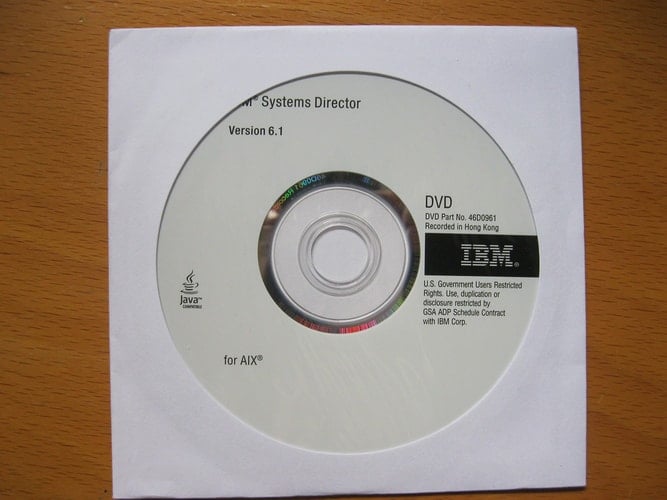
IBM Systems Director 6.3 Best Practices
0
0
Author Description
This IBM® Redbooks® publication describes the positioning of the IBM Systems Director in the complete management range. It also compares the IBM Systems Director with the IBM Flex Systems Manager (FSM) and describes the environments for which each tool is best suited. This publication helps you plan, install, tailor, and configure the IBM Systems Director on different platforms. It contains information about required system resources and which network ports are used. It shows how to use the Workload Estimator to select the appropriate hardware for IBM Systems Director server and provides information about the IBM Systems Director Editions. Best practices are covered for the basic management tasks that are available in IBM Systems Director, including how to perform discovery; how to collect inventory on discovered resources; how to deploy agent, driver, and firmware updates; how to manage hardware events; and other miscellaneous tasks. An overview of best practices is provided for using IBM Systems Director VMControlTM. Systems Director VMControl is a cross-platform product that assists you in rapidly deploying virtual appliances to create virtual servers that are configured with the operating system and software applications that you want. It also enables you to group resources into system pools, which enable you to centrally manage and control the different workloads in your environment. The following plug-in offerings are described: Energy monitoring and management features offered by IBM Systems Director Active Energy ManagerTM along with the best practice, which needs to be followed in using the IBM Systems Director Active Energy Manager. The IBM AIX® Profile Manager is a tool that can help implement and monitor the security of all AIX servers in a production environment but also implement and monitor the system compliance of those AIX servers. Best practices and the most important questions to ask before c
Page Count:
554
Publication Date:
2013-11-08
ISBN-10:
0738438650
ISBN-13:
9780738438658
Community Tags
Reader Comments
Share Your Thoughts
No comments yet. Be the first to share your thoughts!