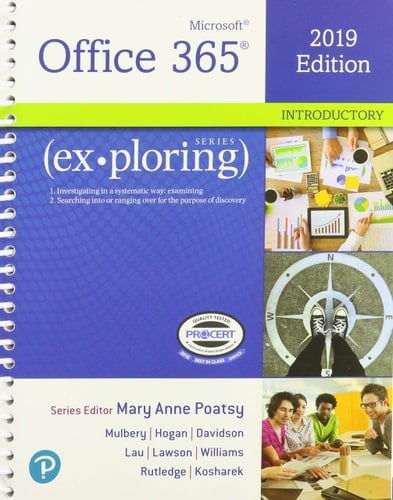
Exploring Microsoft Office 2019 Introductory, 1/e + MyLab IT w/ Pearson eText
0
0
Author Description
NOTE: Before purchasing, check with your instructor to ensure you select the correct ISBN. Several versions of the MyLab™ and Mastering™ platforms exist for each title, and registrations are not transferable. To register for and use MyLab or Mastering, you may also need a Course ID, which your instructor will provide. Used books, rentals, and purchases made outside of Pearson If purchasing or renting from companies other than Pearson, the access codes for the MyLab platform may not be included, may be incorrect, or may be previously redeemed. Check with the seller before completing your purchase. Now live! SUMMER 2020 DIGITAL UPDATE Microsoft Office 365 updates are reflected in the eText and associated MyLab activities. These updates reduce student confusion and keep course materials current throughout the Office lifecycle. For details on the summer 2020 updates, see the Product Announcements page in MyLab IT. For courses covering introductory Microsoft® Office™. This package includes MyLab IT. Beyond point-and-click The Exploring Microsoft® Office 365®series moves students beyond rote tasks to a deeper comprehension of how, when, and why to apply Office skills. A market leader for over 20 years, the collection helps students achieve high-level learning outcomes by engaging them in the way they learn best ― through hands-on practice. A dozen exercises in each chapter range from multiple-choice questions to open-ended projects. Revised to reflect Microsoft Office 365, the 2019 edition is Mac compatible and adds new critical thinking assignments to help students build fundamental 21st-century skills. Personalize learning with MyLab IT By combining trusted author content with digital tools and a flexible platform, MyLab personalizes the learning experience and improves results for each student. MyLab IT 2019 delivers trusted content and resources through an expansive course materials library, including new easy-to-
Page Count:
1095
Publication Date:
2019-06-21
ISBN-10:
013576890X
ISBN-13:
9780135768907
Community Tags
Reader Comments
Share Your Thoughts
No comments yet. Be the first to share your thoughts!