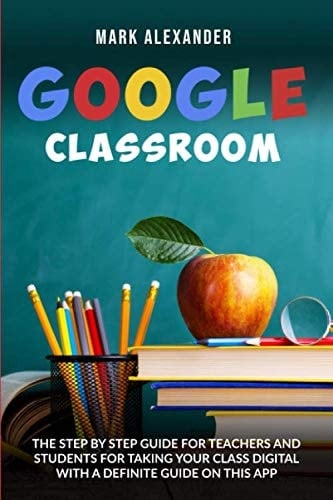
GOOGLE CLASSROOM: THE STEP BY STEP GUIDE FOR TEACHERS AND STUDENTS FOR TAKING YOUR CLASS DIGITAL WITH A DEFINITE GUIDE ON THIS APP
0
0
Author Description
Are you looking for a complete guide on goggle classroom? Then keep reading… The way forward for education is the digital and online way, and Google Classroom is one of the best purveyors of this new technology. Teachers, educators, and anyone wanting to share knowledge can use Google Classrooms as a way of teaching as well as learning. In this book, we will look at this free-to-use application that enables online collaboration between the teacher and student. Google Classroom benefits the teacher, student, and also parents. For the teacher, it allows them to create an online classroom environment and invite students to these classes. Through Google Classrooms, teachers also have the ability to set up and distribute assignments and also track the progress of students. For students, they can converse with teachers online either in a group setting or one-on-one regarding their assignments, classes or if they have any questions or issues. Who can use Google Classrooms? At this point in time, only schools can access and use Google Classroom. To use it, schools must register for a free account at Google Apps for Education or a G Suite Account that is allowed for Google Classroom. After much development, Google Classroom was introduced to the World Wide Web in 2014, and it was first released as a Classroom API. This enabled developers and school administrators to engage online. Soon, more updates were introduced, and Google Classroom was integrated with other Google products, starting with Google Calendar to allow educators to set due dates for assignments, field trips, and class activities. At the advent of March 2017, Google opened the Classroom to allow personal Google users to join or create classes without having a unique G Suite ID. Finally, in April 2017, individual Google users also had the ability to create classes and teach them via Classroom. This book covers the following topic
Page Count:
124
Publication Date:
2020-05-17
ISBN-13:
9798642443910