Author Description
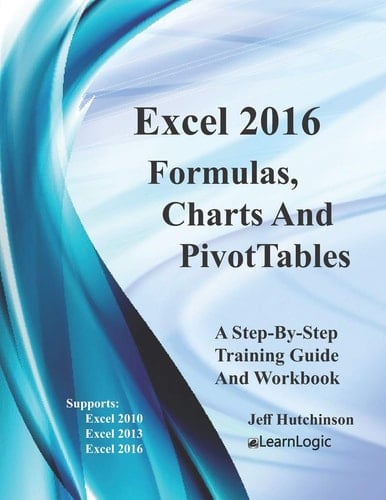
This Step-By-Step Workbook will guide you through learning the Excel program including Advanced Formulas, Tables, Charts, and PivotTables. It can be used by a beginner to understand core concepts as well as an advanced student to learn the "in's and out's" of Excel. Included are over 160 Practice Exercises that demonstrate how to use Excel concepts. They can also be used as a reference guide to quickly look up specific topics. What's is in the workbook? Click on the left side of the screen: Look Inside Enter one of the following keywords: bar chart, PivotTable, Sum, Average, Formula, etc. Take A Class: http: //www.elearnlogic.com/download/schedule.pdf Intermediate Formulas The primary skills covered in this group of chapters are Formulas and Functions. Often times, users need to develop a formula using functions in Excel but are unaware of Excel's many capabilities. However, after acquiring a diverse knowledge of the various Excel functions, they are able to discover the perfect function for each intended purpose. The following functions will be covered: Range Names Statistical d104 Date/Time Financial Informational Math/Trig Logical IF Statements Lookup Database functions Major Components - The following will be covered: Table - The Table feature will compare differences between a table and a normal range. Chart - This feature will reorganize the data source and cover various Chart types to demonstrate how to modify chart elements for enhanced presentations. (Also, since the Charting layout ribbon was changed in Excel 2013, new and additional Chart types that were added in Excel will be covered, as well). PivotTables - This will cover Filtering, Formatting, PivotCharts, Label Ad
Page Count:
131
Publication Date:
2019-07-20
ISBN-10:
1081707313
ISBN-13:
9781081707316