Author Description
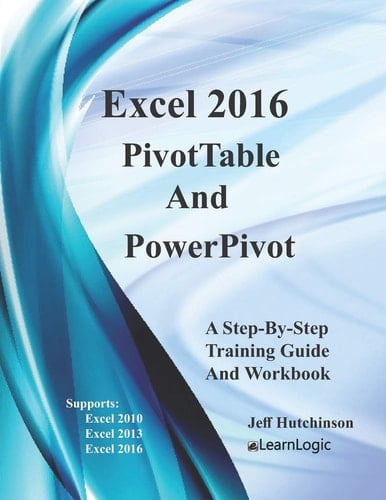
This Step-By-Step Workbook will guide you through the PivotTable features including PowerPivot, PowerQuery, PowerView, and PowerMap Add-ins. It can be used by a beginner to understand PivotTables, and an advanced student to learn the PowerPivot capabilities of Excel. Included are over 140 Practice Exercises that demonstrate how to use Excel concepts. They can also be used as a reference guide to quickly look up specific topics. What's is in the workbook? Click on the left side of the screen: Look Inside! Enter one of the following keywords: PivotCharts, PivotTable, Add-In, PowerPivot, PowerView, PowerQuery, PowerMap, etc. Take A Class: http://www.elearnlogic.com/download/schedule18.pdf The PivotTable chapter will answer the basic question "Why do you want to use a PivotTable?" Once you understand "why," you will have a deeper appreciation for its capabilities. PivotTables are very similar in all versions; however, new features have been added to Excel 2013 and 2016. The following topics will be covered: Filtering - This will allow you to focus on required records and reduce the amount of data available. Formatting - This will review many Excel formatting features as well as some custom PivotTable commands. PivotCharts - This will allow you to chart information for better understanding. Layout Adjustments - This will allow you to arrange and adjust fields in order to focus on the most valuable information. Calculations - Calculations can be internal or external to the PivotTable. The Business Intelligence tools include The PowerPivot, PowerView, PowerQuery and PowerMap. They are Add-In features in Excel 2010/2013 which means they must be downloaded from the Microsoft website, installed on your computer, and added using the Add-I
Page Count:
124
Publication Date:
2017-08-31
ISBN-10:
1975987225
ISBN-13:
9781975987220