Author Description
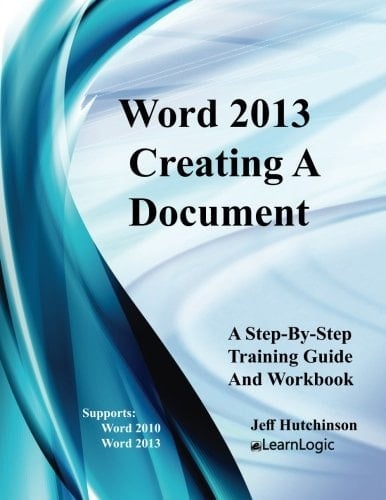
Microsoft Word is a full-featured word processor in which you can create and design documents such as letters and memos. It also includes different formatting features such as Character, Paragraph, Indenting, Date, Time, Number, and Bullet. You can also edit documents, as well as enhance their appearance, and then print them in a variety of formats. Additionally, creating a document using Templates is a quick method to generate a new document that can be saved for future use. Plus, using the different viewing layouts and methods of navigating will increase productivity and learning. The workbook/guide will demonstrate diverse ways to insert and use graphic images within the text, and how applying Word Wrap features will allow text to flow around images. Also, Spell Check, Grammar, and Contextual spelling tools can be used to find and correct wording issues. In summary, these core concepts are the skills needed to create and modify a Microsoft Word document. What's is in the workbook? Click on the left side of the screen: Look Inside! Enter one of the following keywords: Word Wrap, Spell Check, Grammar, Character, Paragraph, Indenting, Date, Time, Number, Bullet, etc. Take A Class: http://www.elearnlogic.com/download/schedule18.pdf Design Strategy This workbook is designed in conjunction with an Online-Instructor-Led course (for more information see: www.elearnlogic.com). Unlike other computer guides, students will not need to review lengthy procedures in order to understand a topic. All that is necessary are the brief statements and command paths located within the guide that demonstrate how a concept is used. There are many Step-By-Step Practice Exercises and more comprehensive Student Projects offered to help students better understand concepts. Furthermore, they will find that this workbook/guide can often be used as a reference to help them understand concepts qui
Page Count:
106
Publication Date:
2017-12-11
ISBN-10:
1981656073
ISBN-13:
9781981656073