Author Description
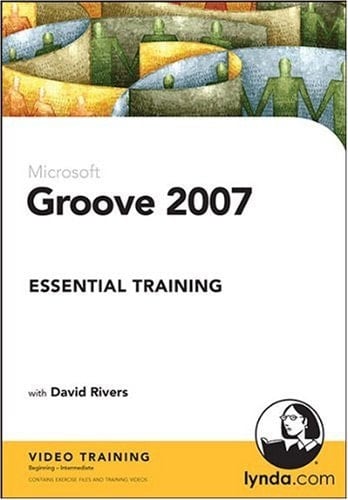
When collaborating on a project, getting all team members on the same page can be difficult, especially if the team is spread across the country–or even the world. In Groove 2007 Essential Training, David Rivers demonstrates how this workflow collaboration tool can make it easy to work together no matter where the team members are located. He shows some of Groove's most important features, including audio chat, file sharing, and the ability to display and monitor changes to schedules and assets. David also explains how to integrate a Groove installation with a SharePoint site and its functions to enhance collaboration. Exercise files accompany the course. Topics Include: Adding and accessing contacts Managing appointments and meetings Sharing and manipulating files Developing and maintaining a file-sharing workspace Using the Discussion tool to record and manage topics Adding pictures and text to a workspace Establishing alerts and user permissions Duration: 5.5 hours On 1 CD-ROM System Requirements Macintosh Requirements OS 10.3.9 or higher DVD-ROM drive 1024x768 resolution 24-bit video support QuickTime 7 or higher Windows Requirements XP or Vista DVD-ROM Drive 1024x768 resolution 24-bit video support PC sound card/speakers QuickTime 7 or higher (included).NET 2.0 or higher (included)
Page Count:
0
Publication Date:
2009-02-05
ISBN-10:
1596715251
ISBN-13:
9781596715257